Find the Key and BPM of a Song — Free, in Your Browser
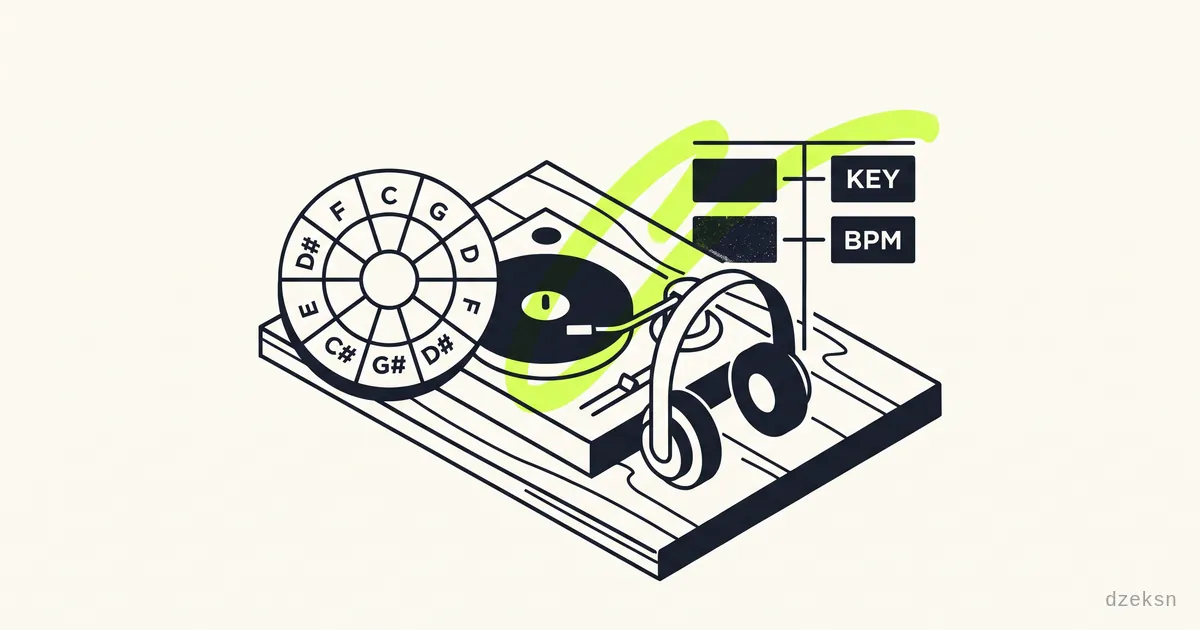
You want to know what key a track is in and how many BPM it runs at — for mixing, playing along, or just organizing your library? The quick answer: you don't need paid software for this. Drag the audio file into a free browser-based analyzer and you'll get the key in Camelot notation and the BPM within seconds.
We use Keymix for this — a free, open-source tool that does all its processing in the browser. Your files are never uploaded: the analysis runs locally across all your CPU cores, and the music stays on your device. File in, result out, done.
If all you want is to check a single song, you can stop reading here. Things get interesting the moment you want to mix harmonically or organize your entire library — and for that you need the Camelot wheel. That's exactly what this post explains.
What BPM and Key Actually Tell You
Two values, two jobs:
- BPM (beats per minute) is the tempo. Two tracks with similar BPM can be beat-matched — layered on top of each other in time.
- The key decides whether two songs sound harmonically good together. If it doesn't match, the transition sounds off or "screechy" even with perfect beatmatching.
A good analyzer detects both automatically. The key usually isn't shown as "A minor" or "C major" but as a Camelot code like 8A or 8B. The reason: this system makes key compatibility readable at a glance — no music theory degree required.
The Camelot Wheel Explained
The Camelot wheel is a circle with 12 positions, arranged like the numbers on a clock — from 1 to 12. Each position comes in two flavors:
- A = minor keys (the inner ring)
- B = major keys (the outer ring)
That makes 24 codes for the 24 commonly used keys. Instead of "A minor" you simply say 8A, instead of "C major" 8B. Both sit at position 8 — because A minor and C major use the same notes (they're relative keys). Exactly this closeness is what makes the wheel so practical.
Here's the full mapping:
| Camelot | Minor (A) | Major (B) |
|---|---|---|
| 1 | A-flat minor | B major |
| 2 | E-flat minor | F-sharp major |
| 3 | B-flat minor | D-flat major |
| 4 | F minor | A-flat major |
| 5 | C minor | E-flat major |
| 6 | G minor | B-flat major |
| 7 | D minor | F major |
| 8 | A minor | C major |
| 9 | E minor | G major |
| 10 | B minor | D major |
| 11 | F-sharp minor | A major |
| 12 | C-sharp minor | E major |
You don't need to memorize this table. The analyzer gives you the code, and for mixing only three rules matter.
Which Keys Go Together? The Three Mixing Rules
Harmonic mixing means you only move to a position that's directly adjacent on the wheel. Concretely, there are three safe jumps — take a track in 8A as an example:
- Same number, switch the letter (A ↔ B).
8A → 8B. You jump between relative minor and major. The transition shifts the mood from melancholic (minor) to open (major) but stays harmonically clean.
- Same letter, one number over (±1).
8A → 9A or 8A → 7A. One step clockwise or counter-clockwise on the wheel. This is the classic, seamless transition between two tracks from the same key family.
- Same key.
8A → 8A. Two songs in exactly the same key work together practically every time.
Memory aid: on the wheel, you may take one step left, one step right, or move to the middle (A/B switch) — never straight across. If you want to deliberately lift the energy, there's also the +2 jump (8A → 10A) known as the "energy boost", but the three rules above are the safe foundation.
Exactly this logic is built into Keymix as an interactive Camelot color wheel: every position has its own color, and neighboring keys sit visibly next to each other. So you can see at a glance which track fits next — without keeping the table in your head.
Analyzing Your Entire Library at Once
One song is checked quickly. Going through a collection of hundreds of tracks by hand would be madness — and this is exactly where a toy gets separated from a tool.
Keymix works in batch mode: you throw in a whole folder, and the tool analyzes the files in parallel across all your CPU cores. Instead of running one after another, multiple analyses run simultaneously, which saves an enormous amount of time on large collections. At the end, you have BPM and Camelot code for every track.
The practical part comes next: Keymix can automatically rename the files and write key plus tempo directly into the filename. track.mp3 becomes something like 8A - 128 - track.mp3. The effect: sort the folder alphabetically and all your tracks line up ordered by Camelot code and BPM. Your music library is now sorted by key — no extra software, no cloud database required.
This is the kind of feature that well-known paid tools charge a license fee for — here it runs free and offline in your browser.
Bonus: Split a Track into Stems and Loop It
Sometimes key and BPM aren't enough. You want just the beat, just the vocals, or a clean loop from the bridge. For that, you need to split the song into its individual tracks.
That's the job of our second tool, VIERSPUR: it separates a track right in the browser using AI into vocals, drums, bass and other — including its own BPM and key analysis. In the live deck you can set beat-accurate loops, drop hot cues and use the FX rack. Here too, in standard mode your music never leaves your device. So you move seamlessly from "what key is this?" to "what do I do with it?".
For pure key and tempo analysis plus harmonic sorting, though, Keymix remains the faster tool — open in your browser, free, no sign-up.
Frequently Asked Questions
How do I find a song's BPM and key for free?
Drag the audio file into a free browser-based analyzer like Keymix. It detects tempo (BPM) and key automatically and outputs the key as a Camelot code. The analysis runs locally on your machine, the file is never uploaded — no account, no installation.
What does 8A or 8B mean?
That's Camelot notation for a key. The number (1–12) is the position on the Camelot wheel, the letter is the type: A stands for minor, B for major. 8A is A minor, 8B is C major. They share position 8 because they use the same notes.
Which keys are compatible for mixing?
Three safe jumps: the same key, one number over with the same letter (e.g. 8A → 7A or 9A), and the same number with the letter switched (8A → 8B). In other words: on the wheel, one step left, one step right, or into the middle — never straight across the circle.
Can I analyze my whole music library automatically?
Yes. Keymix works in batch mode and analyzes an entire folder in parallel across all CPU cores. Afterwards it can automatically rename the files and write key plus BPM into the filenames — sort alphabetically and your collection lines up ordered by Camelot code.
Is harmonic mixing only for DJs?
No. Anyone who wants to build transitions between songs at home, create playlists with a consistent mood, or play along with a track benefits just as much. At its core, the Camelot wheel is simply an easy-to-read map of the keys.