Remove the Vocals from a Song — Free and with No Sign-Up
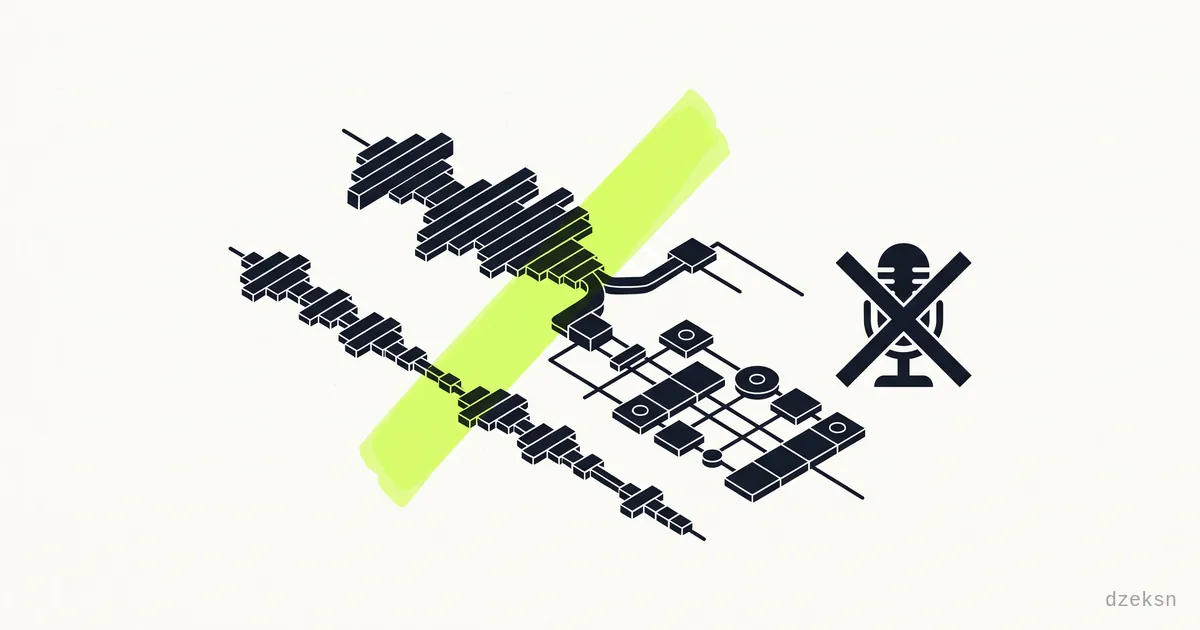
The short answer: you don't need a studio or a subscription for this. Modern AI stem separation breaks a finished song down into its parts — vocals, drums, bass and everything else. Mute the vocal track and you've got your instrumental. Keep only the vocals and you've got an acapella. Both work right in your browser today, for free, without registering anywhere.
That's exactly what VIERSPUR does: load a song, wait for the AI to finish, toggle the tracks on and off, export. No login, no watermarks, no time limit. And here's the part that matters to a lot of people: in standard mode, your file never leaves your device — the separation runs locally in your browser, not on someone else's server.
The rest of this post walks you through it step by step, explains why local processing is a real advantage, shows what else you can do with the four tracks — and is honest about where the technology hits its limits.
How to Remove the Vocals — Step by Step
- Load your song. Open VIERSPUR and drag your audio file into the window (MP3 or WAV, for example). Separation works best with a clean, uncompressed file — more on that below.
- Let the AI do its thing. The stem separation runs directly in your browser. Depending on the length of the song and the power of your machine, it takes anywhere from a few seconds to a few minutes.
- Get four tracks. Afterwards, the song sits in front of you as four separate tracks: vocals, drums, bass and other (all remaining instruments like guitars, keys, synths).
- Mute the vocals. For a karaoke or instrumental version, switch off the vocal track. If you want the pure voice instead, leave only the vocals on and mute the other three.
- Export. Save the result as WAV (lossless, ideal for further editing), as MP3 (small, easy to share), or grab all the individual tracks bundled as a stems ZIP.
For karaoke there are also ready-made karaoke scenes that strip out the vocal track with a single click instead of you adjusting each track by hand. Handy when you just want a sing-along version fast and don't feel like mixing.
Why "In Your Browser" Is Meant Literally Here
With many free services, "online" actually means: you upload your file to someone else's server, the processing happens there, and you get the result back. What happens to your recording afterwards, you don't know — and with your own unreleased songs or demos, that's an uneasy feeling.
VIERSPUR does the heavy lifting in standard mode locally on your device. The AI runs via WebAssembly directly in your browser tab. In practice, that means:
- Your music is never uploaded and never sits on a server.
- There's no account, no tracking of your uploads, no file history in some cloud.
- Once everything's loaded, you could in theory even keep working offline.
The trade-off: the separation uses your own machine's processing power. On an older phone it takes longer than on a recent laptop. In return, your file genuinely stays with you — and with your own recordings, that's the point that matters.
What Else You Can Do with the Four Tracks
Removing vocals is just the most obvious use case. Once a song is split into individual tracks, several doors open:
- Karaoke at home: Export the instrumental, pull up the lyrics, sing your heart out. No expensive karaoke version needed — for many songs an official one doesn't even exist.
- Isolate an instrument and practice: Want to learn the bassline? Leave only bass and drums on and practice along with the rhythm section. For vocal practice, take the pure acapella and hear exactly how the singer phrases every line.
- Remixes and mashups: Take the acapella from one song and the instrumental from another and build your own combination. The built-in live deck gives you hot cues, beat-accurate loops, an FX rack and a loop recorder to work with.
- DJ transitions: Individual elements like just the drums or just the acapella work great for transitions and edits.
If you go deeper and want to blend songs together cleanly, it helps to know their tempo and key. VIERSPUR analyzes both automatically — for how to detect key and BPM and mix harmonically, read the post on finding a song's key and BPM automatically.
How Good Are the Results, Really?
Honestly: usually surprisingly good, but not always perfect. AI stem separation has made a huge leap in recent years, and for many songs the instrumental sounds clean enough for karaoke or practice. Still, there are limits you should know about:
- Dense, loud mixes with lots of overlapping instruments are harder to separate than a tidy pop song. The fuller the mix, the more likely you'll hear small artifacts.
- Choirs and layered harmonies are tricky. Sometimes traces of backing vocals linger in the instrumental, or parts of the lead vocal come out slightly "smeared".
- Effects like reverb and delay on the voice can ring out — a bit of vocal reverb may remain audible in the instrumental.
- Source quality matters. A high-resolution WAV file delivers better results than a heavily compressed, low-bitrate MP3. Garbage in, garbage out applies here too.
My advice: just try it with your song. The separation is free, only takes a moment, and you'll hear immediately whether the result is good enough for what you need. For karaoke and practice, the bar is a lot lower than for a commercial release.
A Quick Word on Copyright
A song you wrote and recorded yourself is yours — you can do whatever you want with it. With other people's songs, things get trickier: for private use — singing karaoke at home, practicing an instrument along with a track, experimenting with the stems — you're generally in safe territory. But as soon as you publish an extracted instrumental, an acapella or a remix, or use it commercially, you need the rights to the original. This isn't legal advice, just a rule of thumb: at home, yes — in public, only with permission.
Bottom Line
Removing the vocals from a song today costs you neither money nor a sign-up. With AI stem separation right in your browser, you load your song, get four clean tracks and export exactly what you need — an instrumental for karaoke, an acapella for practice, or individual stems for a remix. And because the separation runs locally in standard mode, your file stays on your device the whole time. Try VIERSPUR now and pull the vocals out of your first song.
Frequently Asked Questions
Can I really remove the vocals from a song completely free?
Yes. VIERSPUR is a free project with no login, no subscription and no time limit. You load the song, the AI splits it into four tracks, you mute the vocals and export the instrumental. There are no fees.
Do I have to upload my file anywhere?
Not in standard mode. The stem separation runs locally in your browser via WebAssembly, so your music never leaves your device. That's a real advantage with your own unreleased recordings — there's no server your file ends up on.
What format do I get the result in?
You can export as WAV (lossless, good for further editing), as MP3 (small and easy to share), or as a stems ZIP containing all four tracks. For karaoke, MP3 is usually enough; for remixing, WAV is worth it.
Why does the instrumental sometimes not sound completely clean?
It depends on the source material. Dense mixes, layered harmonies and heavy reverb on the vocals are harder for the AI to separate, so small remnants or artifacts can remain. A high-quality, uncompressed source file gives the best results.
Am I allowed to publish the extracted instrumental?
With your own songs, yes. With other people's songs, private use (karaoke, practicing) is usually fine, but publishing or commercial use requires the rights to the original. When in doubt: at home yes, in public only with permission.